How to integrate a widget in Jimdo
How to integrate a widget in Jimdo.
Last updated: May 5, 2021
In the following, we will show you how to integrate a widget in Jimdo.
-
To add a widget to Jimdo, first visit our website https://app.reviewforest.org/ and log in.
-
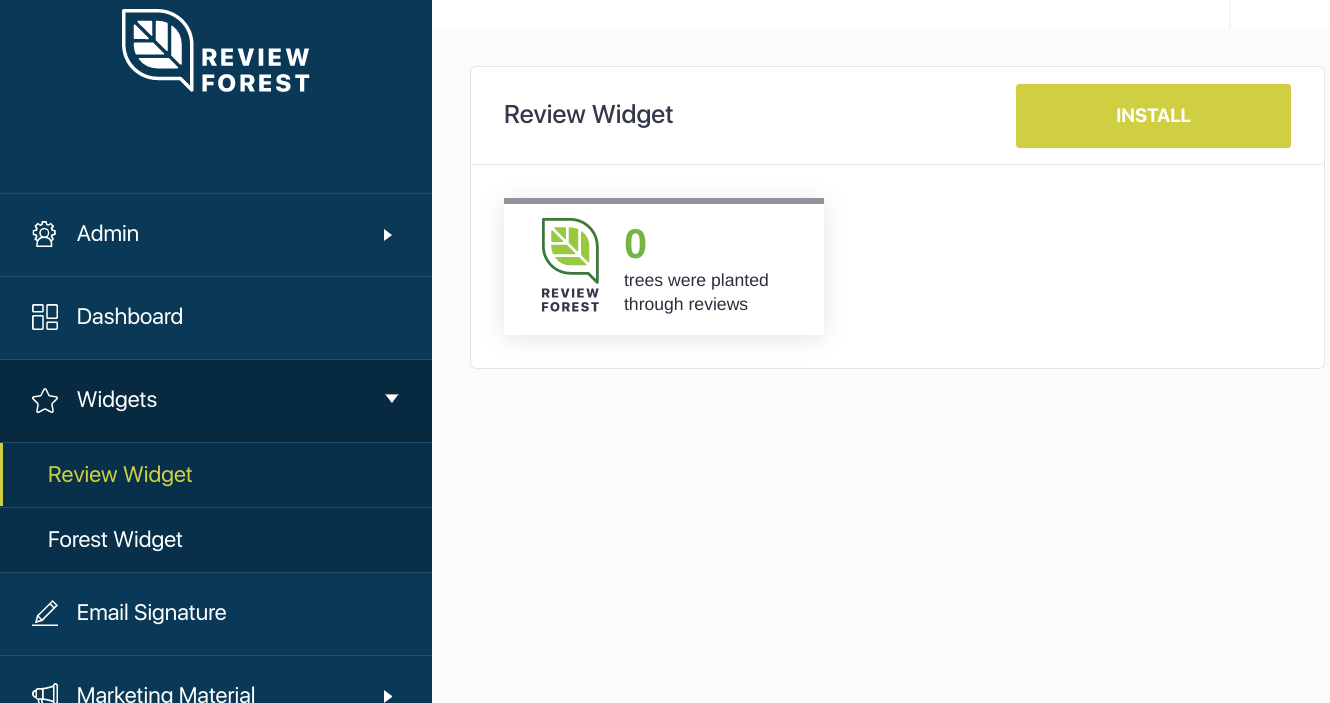
Click on “Widgets” on the left and then on “Review Widget” or “Forest Widget”. Select a widget and click “Install”.
-
Choose between “Floating widget” and “Badge widget” as well as the position (top left, bottom right …) and copy the HTML code to the clipboard (attention: there are two HTML codes for the “forest widget”).
-
Now log in to Jimdo and call up the desired subpage.
-
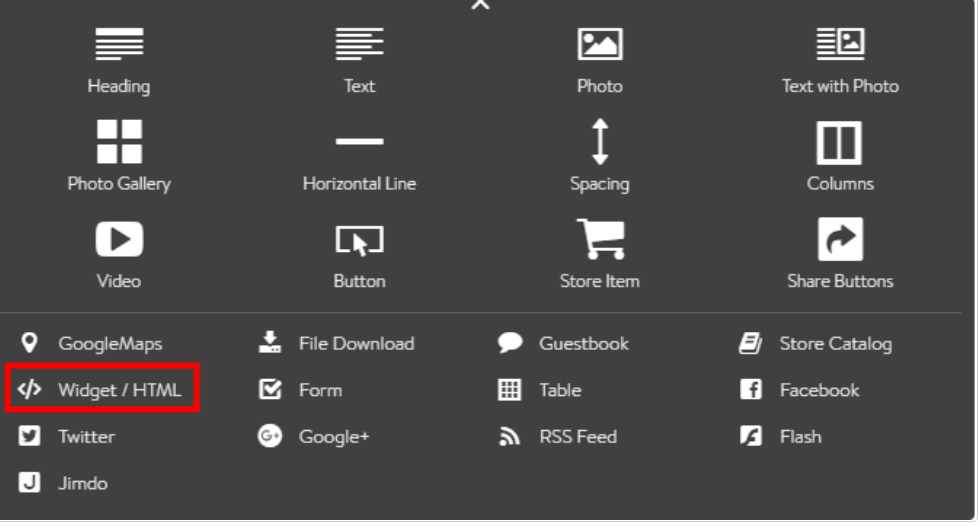
Click on “Edit”, then on “Add element” and “Additional elements”.
-
Select “Widget / HTML”.
-
Here you can insert the HTML code(s) we have generated.
-
Finally click on “Save”. If the widget is not displayed immediately, reload your browser once.