
Apply a voucher during activation
Got a voucher or promo code? You enter it while you activate your subscription, and you see the discount before you pay.
-
Click Select plan in the box at the bottom left of your dashboard that says Your ReviewForest subscription is not active. You’ll find the same button under Billing & plan.
-
If you have more than one review forest, choose the ones you want to activate and click Continue.
-
Choose Monthly or Annual and click Select plan on the plan you want.
-
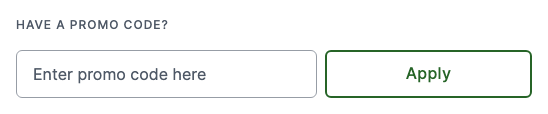
Enter your billing details and your payment method. Under Have a promo code?, type your code into Enter promo code here and click Apply. If the code is valid, the button changes to Applied.
-
Check the summary next to the form. It shows the Discount and the amount To be charged now. Then click Finish & pay.
The code reduces your plan fee for the billing period you chose. The price per tree stays the same: the trees for your reviews come on a separate invoice each month.
Where you see your discount later
Section titled “Where you see your discount later”Open Billing & plan. Under Plan details, you’ll find the Discount with its name and your reduced plan fee. If the discount ends on a certain date, it shows when.
Already activated and only now got a code? See Add a promo code.