
How to manage your review platforms (add, disconnect, reorder)
You can connect several review platforms to one review forest, for example Google and ReviewForest Direct. When your customers click Write a review on your review forest page, they then choose where to leave their review.
How many platforms your plan allows
Section titled “How many platforms your plan allows”- Standard and Grandfather: one external platform, such as Google, plus ReviewForest Direct.
- Premium and Professional: as many platforms as you like.
If you try to connect more than your plan allows, the dashboard offers you an upgrade. A review forest for an Amazon product can only add ReviewForest Direct.
Connect another platform
Section titled “Connect another platform”-
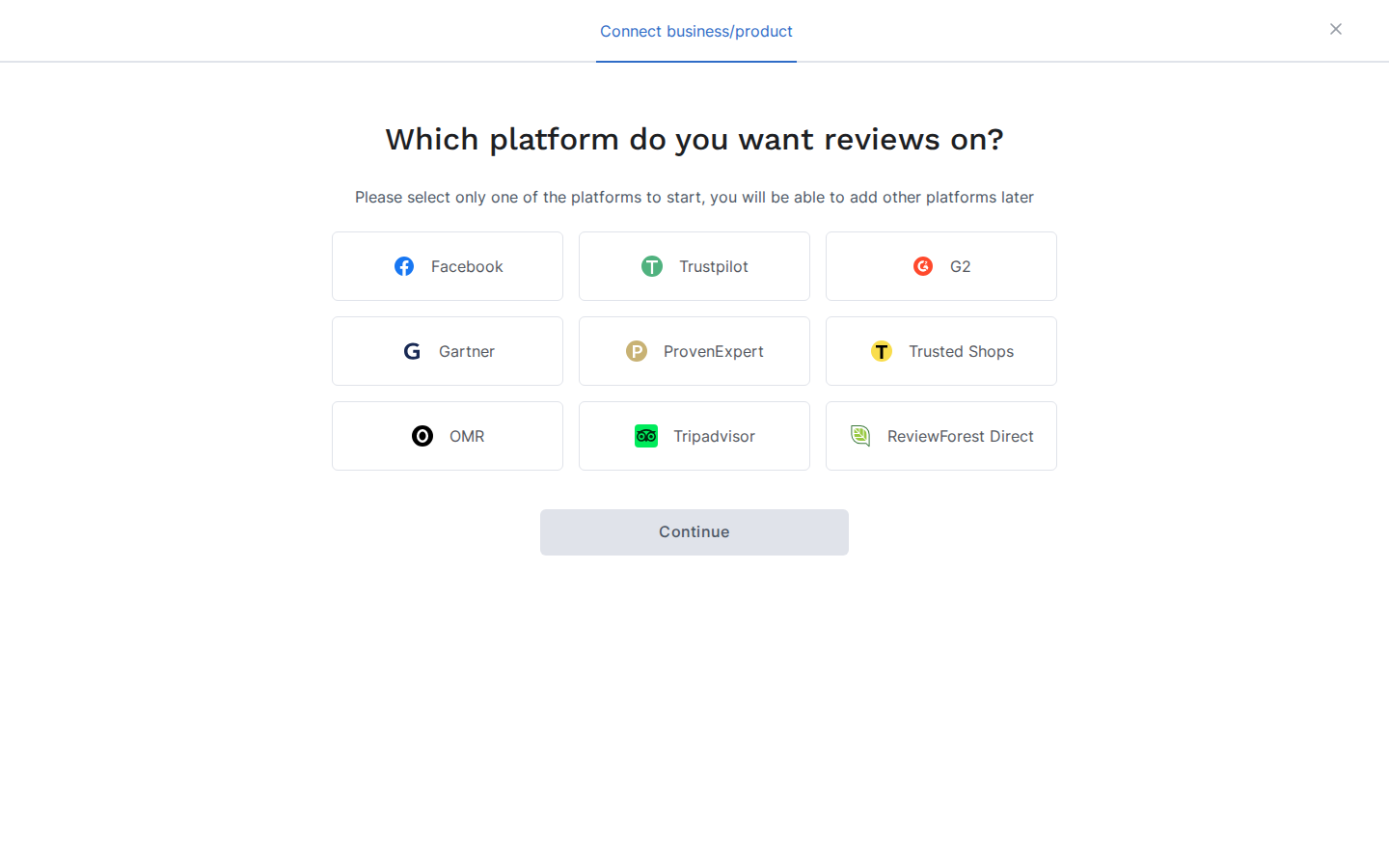
Go to Review forests.
-
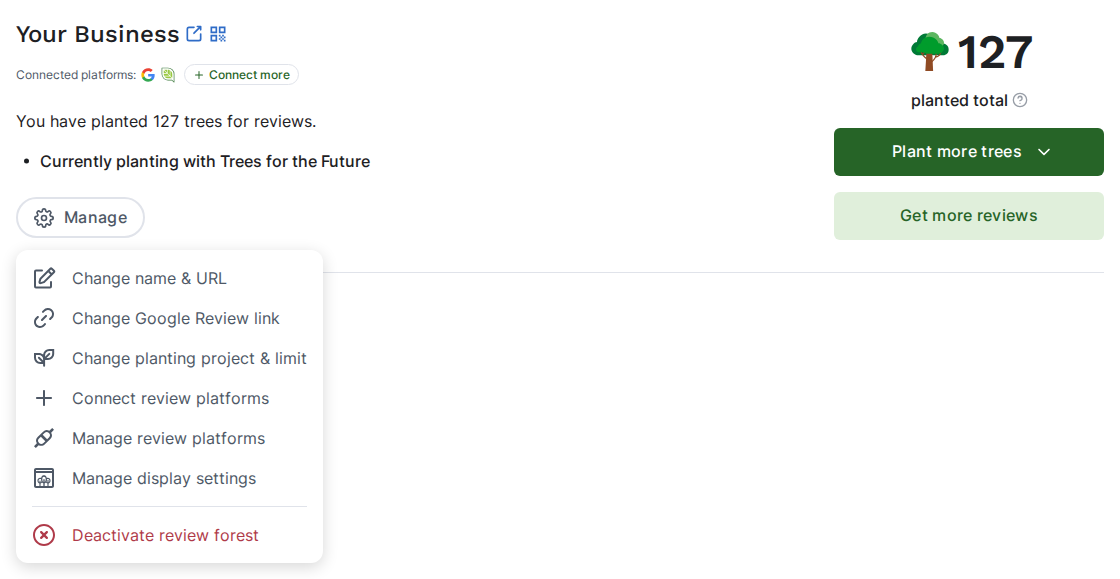
On the review forest, click Connect more next to the connected platforms. You’ll find the same option under Manage as Connect review platforms.
-
Choose the platform and follow the steps on screen.
Pin, reorder or disconnect
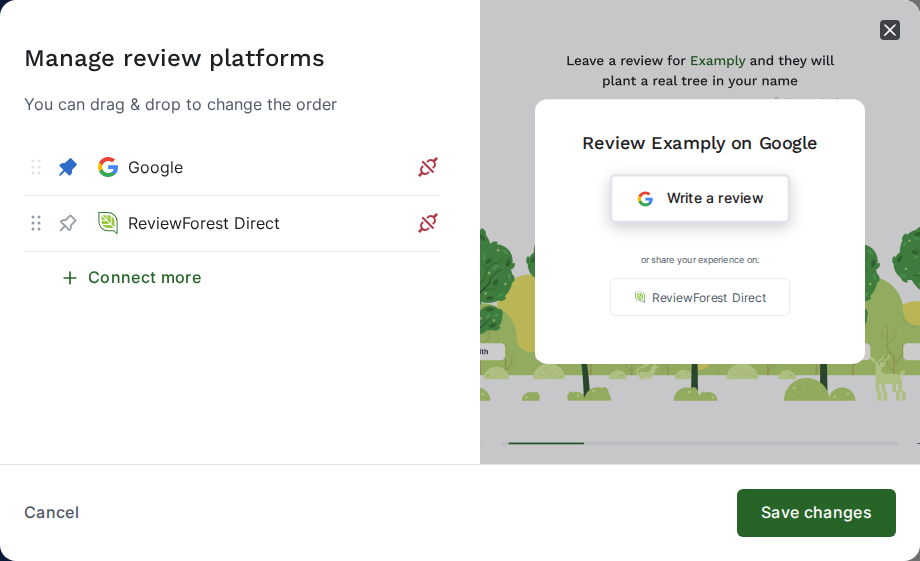
Section titled “Pin, reorder or disconnect”As soon as a review forest has more than one platform, the Manage menu shows Manage review platforms. That’s where you change everything below. The preview on the right shows what your customers will see after clicking Write a review.
Pin a platform to the top
Section titled “Pin a platform to the top”Click the pin icon (Pin to top) next to the platform you’d like your customers to use first. On your review forest page, it then appears as a large button at the top, with the other platforms listed below it. Click the pin again to unpin it.
Change the order
Section titled “Change the order”Drag a platform by its handle (Drag to change order) to where you want it. A pinned platform always stays at the top.
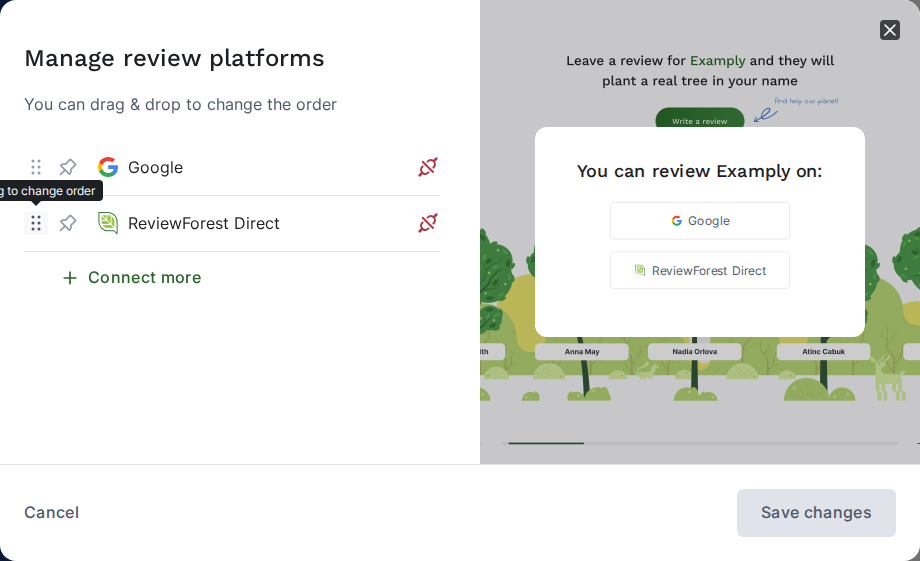
Click Save changes when you’re done.
Disconnect a platform
Section titled “Disconnect a platform”-
Click the Disconnect platform icon next to the platform.
-
Read the notes in the window, tick both and click Disconnect.
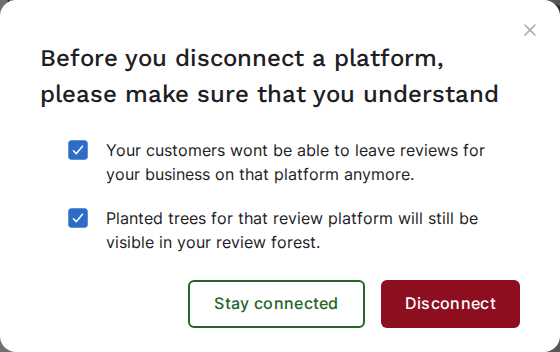
After that, your customers can no longer leave reviews on that platform through your review forest, and new reviews from it don’t plant trees. Trees already planted for it stay in your review forest. A forest’s last platform can’t be disconnected.
To connect a disconnected platform again, click its gray logo next to the connected platforms on the review forest card, then Reconnect. While the forest still has two or more platforms, the Reconnect platform icon under Manage review platforms does the same.