
Language settings at ReviewForest
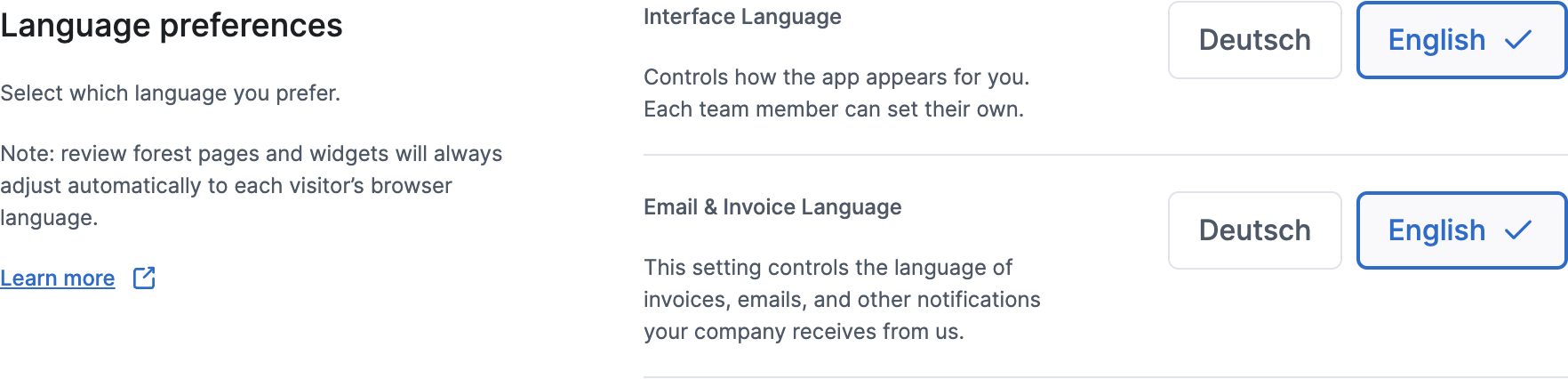
You’ll find both language settings under Account settings in the Language preferences section. Each offers German and English.
Interface Language
Section titled “Interface Language”Interface Language changes how the dashboard looks for you. It doesn’t affect anyone else, so each team member can pick their own.
Email & Invoice Language
Section titled “Email & Invoice Language”Email & Invoice Language sets the language of the invoices, emails and notifications your company gets from us, such as team invitations and notifications about new reviews. It applies to your whole team, and any team member can change it.
Emails about a person’s own login, such as password resets or the link to confirm an email address, use the language saved for that login instead. Yours follows this setting when you change it yourself.
What your customers see
Section titled “What your customers see”You don’t need to set anything for your customers:
- Your review forest page opens in the visitor’s browser language if it’s German, English or French, and in English otherwise. Visitors can switch the language at the top of the page.
- Your website widgets also follow the visitor’s browser language: German, English or French, otherwise English.
Templates
Section titled “Templates”When you customize a print or digital template, you choose its language right there: German or English, and for German, where the template offers it, formal or informal address. This only applies to that template and doesn’t change your other settings.