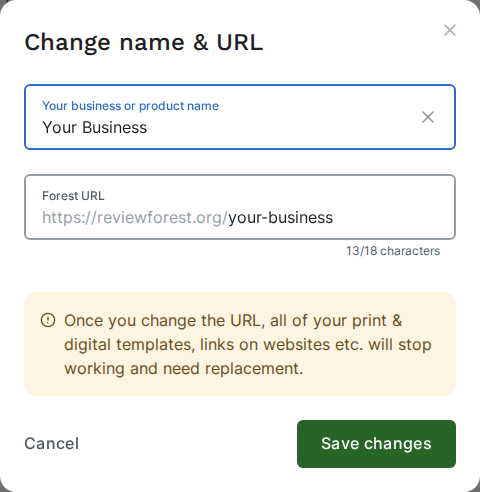
How to change the name of your review forest
You can change the business or product name your review forest shows at any time. As long as you only change the name, the address (URL) of your review forest stays the same.
If you’d like to change the company name on your invoices instead, see How to change your billing address.
-
Go to Review forests.
-
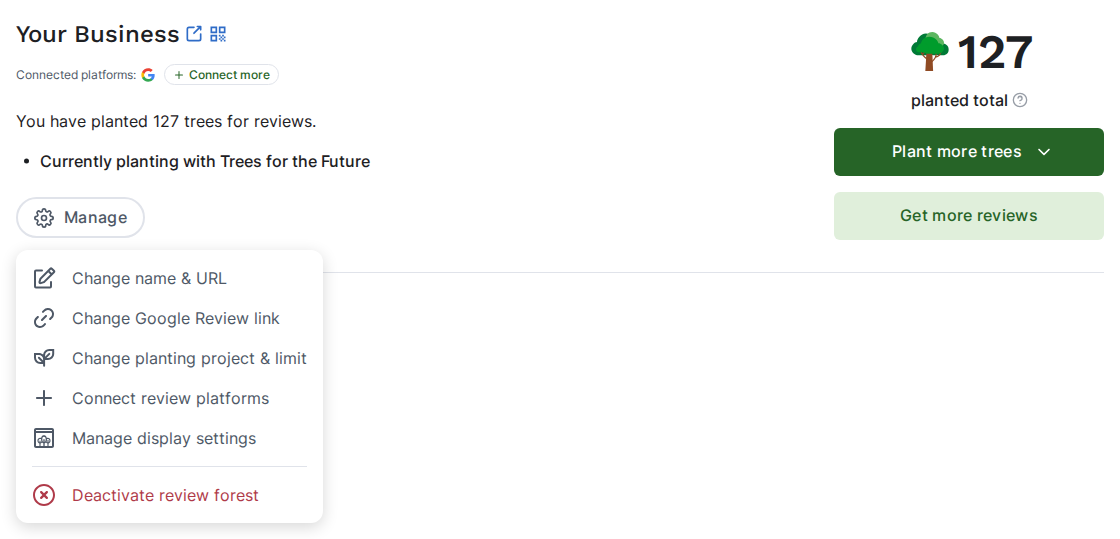
On the review forest, click Manage and then Change name & URL.
-
Enter the new name under Your business or product name. It needs at least 4 characters.
-
Click Save changes.