How to turn the tree age display on or off
Your review forest can show every tree at its age: a new tree starts as a sapling and grows over the following months. If you prefer, you can show all trees as full-grown trees instead. The age display is on until you turn it off.
How the trees grow
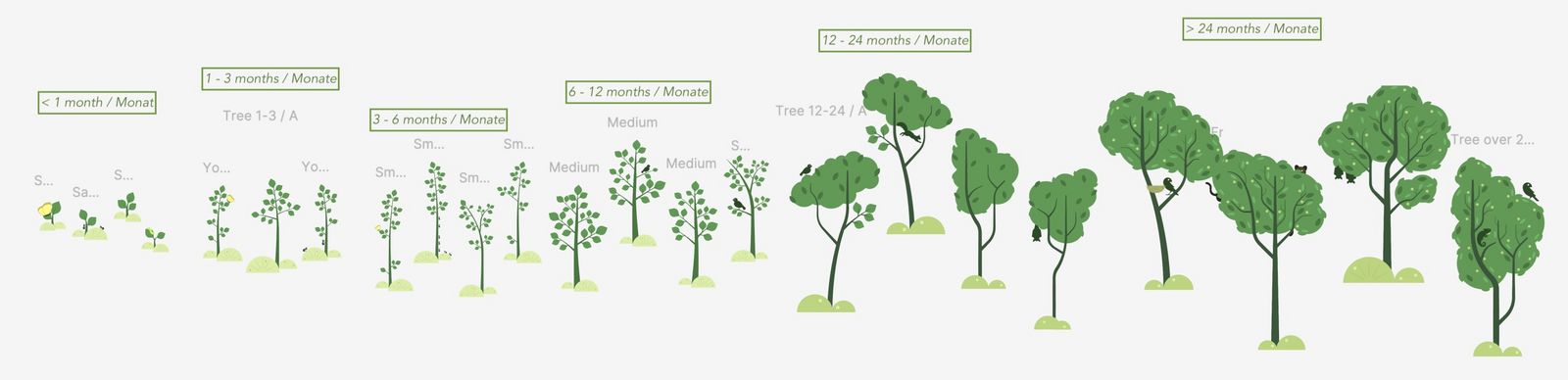
Section titled “How the trees grow”There are six growth stages. The age counts from the day the tree appeared in your review forest. A tree starts as a sapling and reaches its full size after two years.
Turn the display on or off
Section titled “Turn the display on or off”-
Go to Review forests.
-
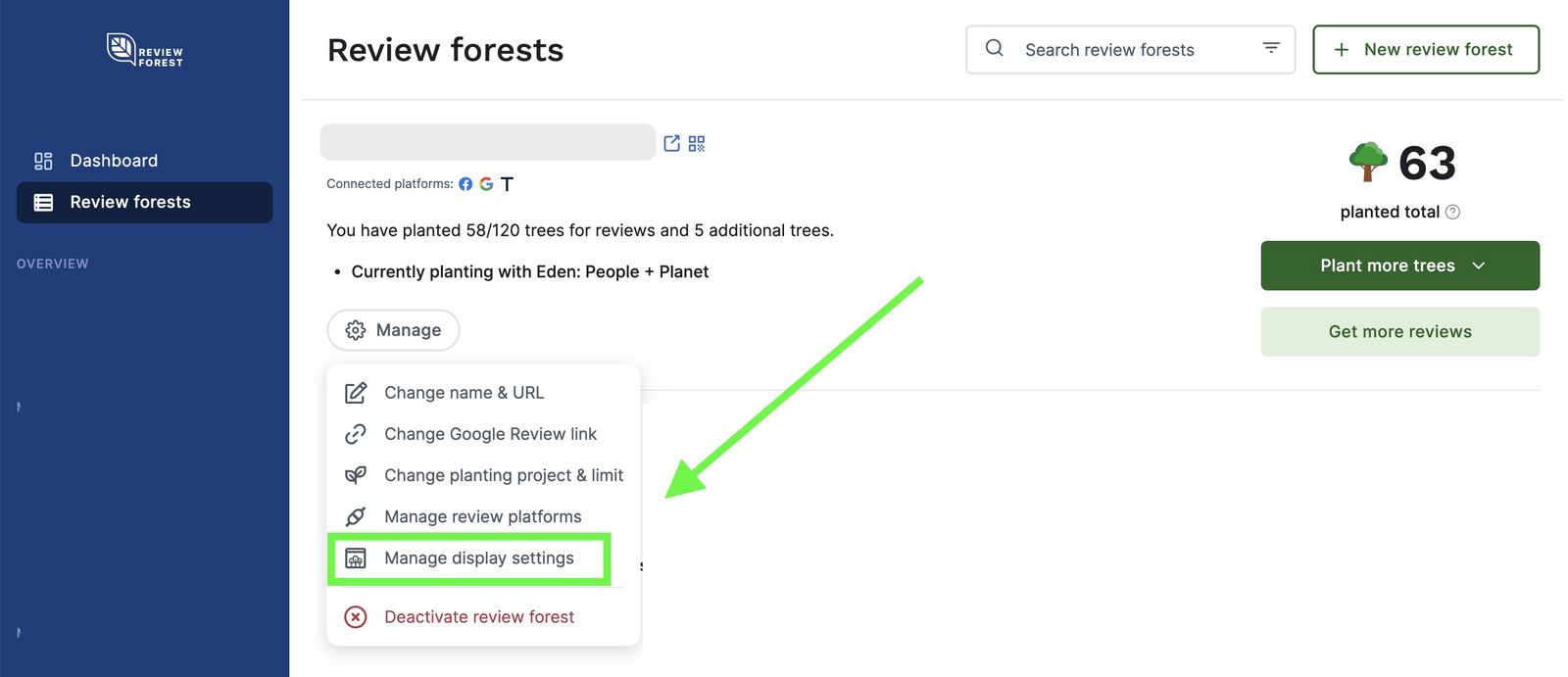
On the review forest, click Manage and then Manage display settings.
-
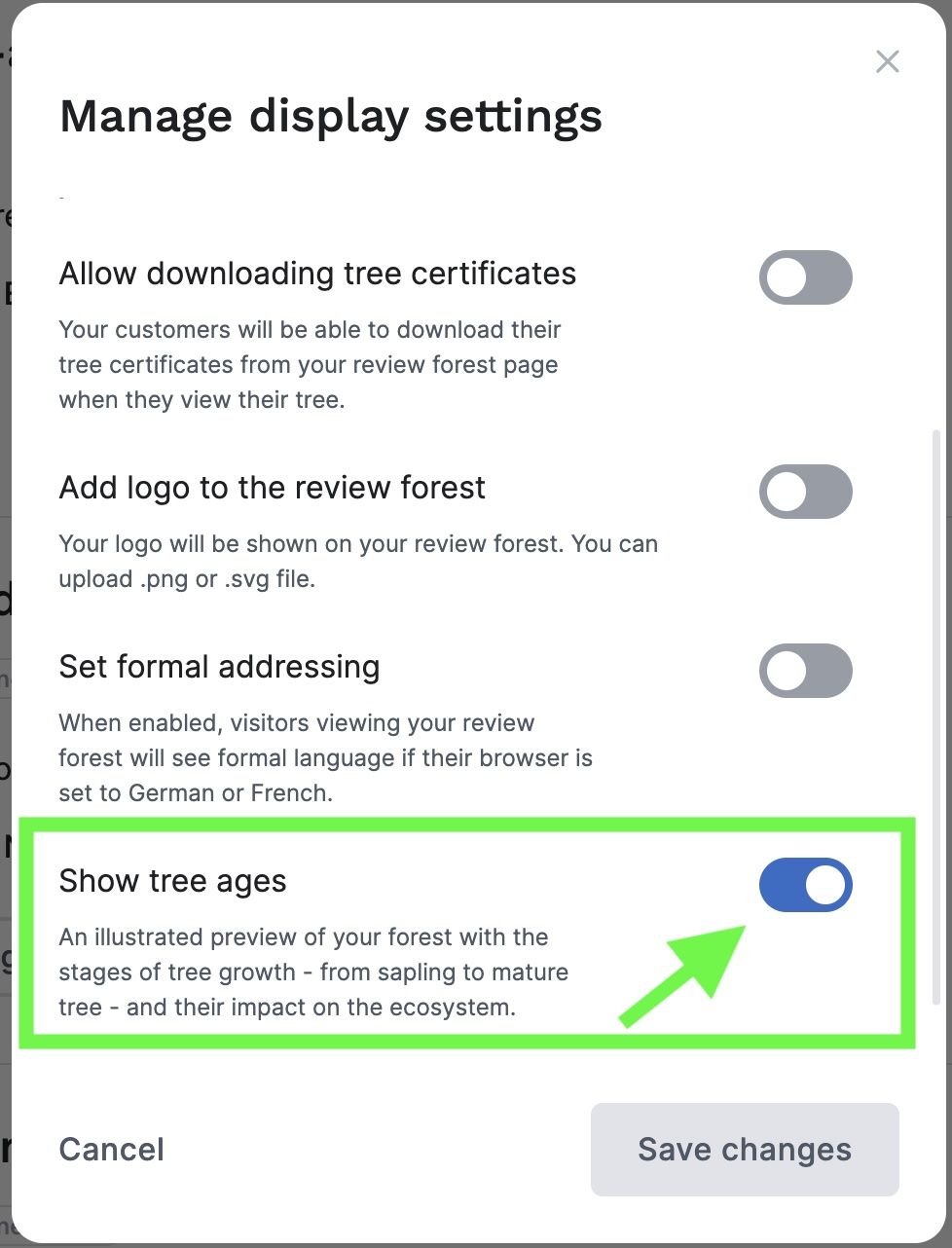
Turn Show tree ages on or off. When it’s off, your review forest shows all trees full-grown.
-
Click Save changes.