
How to leave a review on ReviewForest Direct
With ReviewForest Direct, you review a business right on its review forest page. You don’t need an account on Google or any other platform.
Open the review form
Section titled “Open the review form”-
Open the business’s review forest, for example
reviewforest.org/the-business. Usually the business gives you the link. -
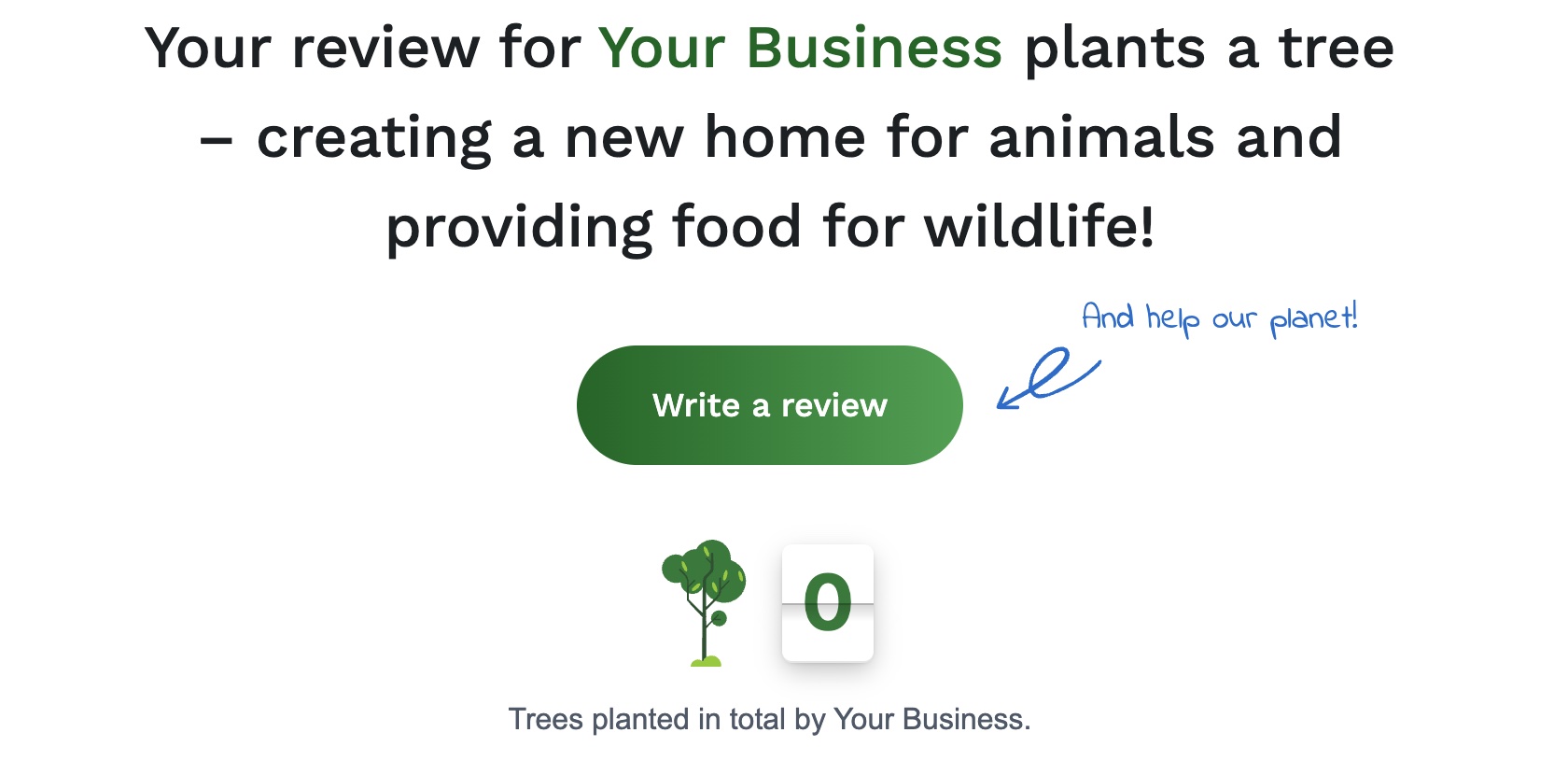
Click Write a review. If the business offers several platforms, choose ReviewForest Direct.
Fill in the form
Section titled “Fill in the form”-
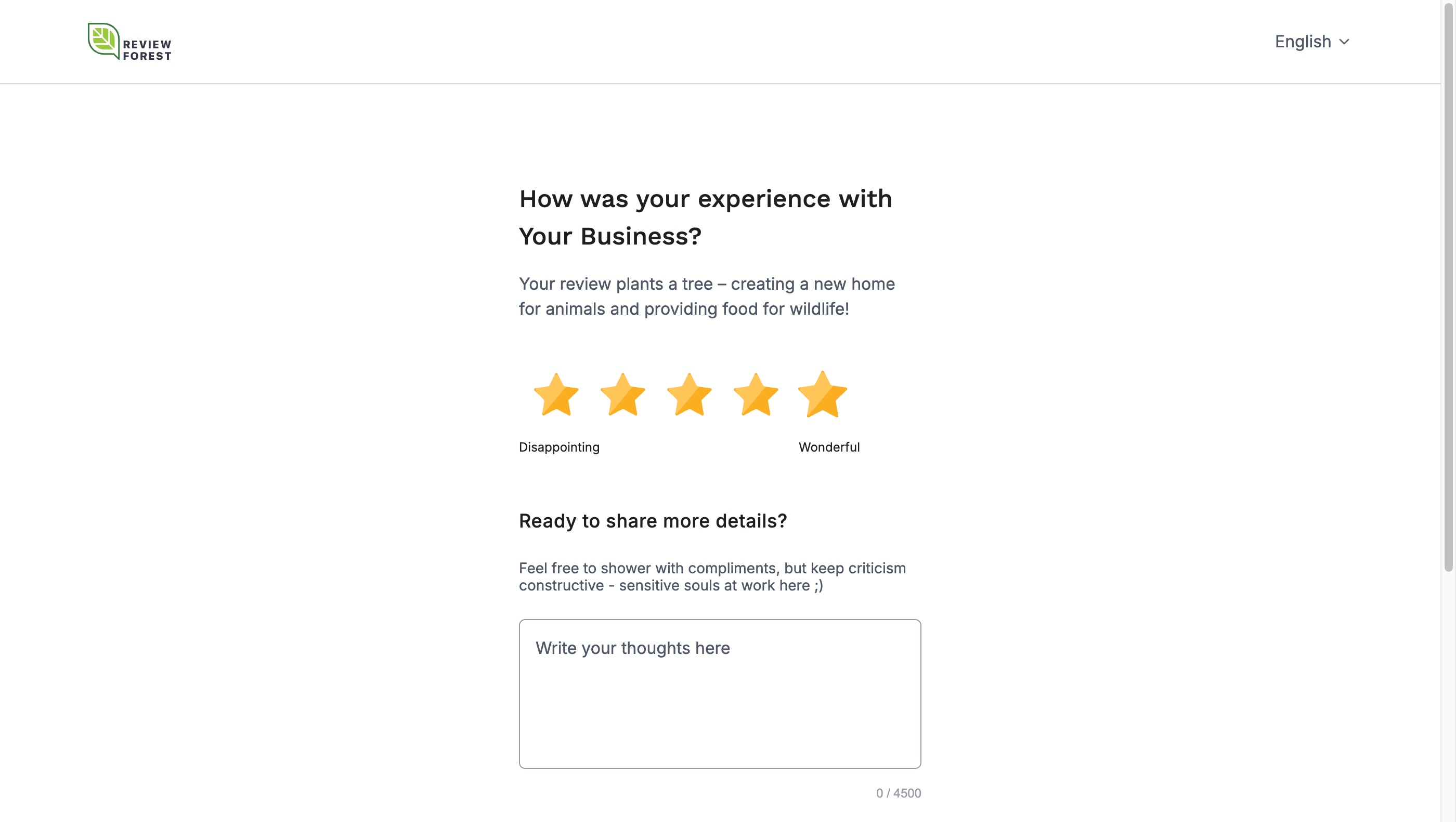
Rate your experience with one to five stars.

-
If you like, describe your experience in more detail. The stars alone are enough.
-
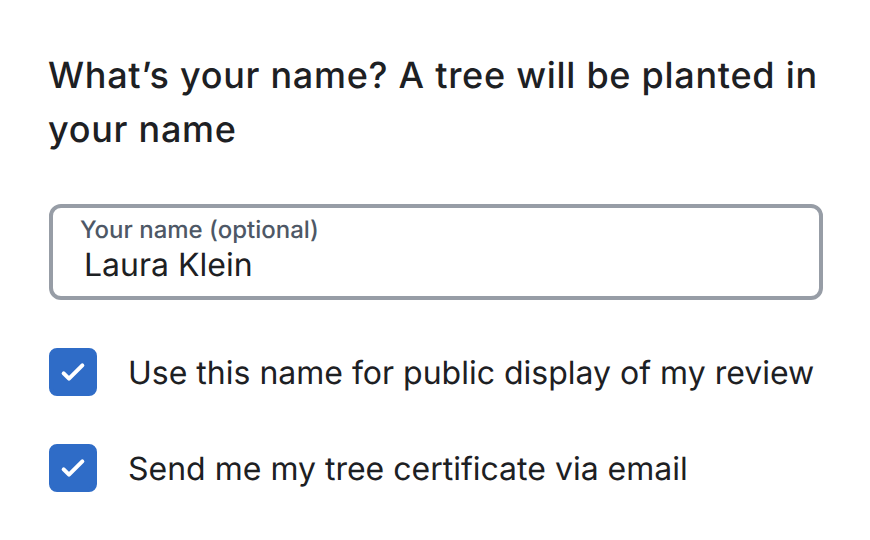
Enter your name if you want your tree to carry it. Once you’ve entered a name, two choices appear:
- Use this name for public display of my review: if you untick this, your review shows up as anonymous on the review forest page. Your name still stays on the tree certificate, which some businesses let visitors download from their review forest page.
- Send me my tree certificate via email: your certificate then arrives by email.
To keep your name off the review and the certificate, leave the name empty. Your review then appears as anonymous, and you can’t get the certificate by email.
-
Enter your email address and click Submit Review.
Why we ask for your email address
Section titled “Why we ask for your email address”We use your email address to confirm your review and, if you asked for it, to send you your tree certificate. Each email address can leave one review per review forest. In some cases, we may share your email address with the business you reviewed so it can verify your review.
Confirm your email address
Section titled “Confirm your email address”We then send you an email with the subject “Confirm your email to plant your tree”. Click the link in it. Only then is your review published and your tree added to the business’s review forest. If you asked for a certificate, it follows in a second email.
Can’t find the email? Have a look in your spam folder.
Who pays for the tree
Section titled “Who pays for the tree”You don’t pay anything. The business you reviewed pays for your tree. Your tree appears in the review forest as soon as you’ve confirmed your review, and the planting partner plants it in the project’s next planting season.
For businesses: link straight to the form
Section titled “For businesses: link straight to the form”If ReviewForest Direct is connected to your review forest, you can send your customers straight to the form and skip your review forest page. Add /review to the address of your review forest, for example https://reviewforest.org/your-business/review. How to link directly to the ReviewForest Direct review form has the details.