
Set your planting limit and change your planting project
A planting limit caps how many trees a review forest plants for reviews. It counts in total, not per month or year: a limit of 500 means 500 trees, however long that takes. Once the limit is reached, we stop planting trees for new reviews in that forest, so you don’t pay for any more trees there either.
A forest has no limit unless you set one, either when you create the forest or any time later. The limit only counts trees planted for reviews. Additional trees that you plant yourself don’t count toward it.
Change your planting limit
Section titled “Change your planting limit”-
Open Review forests.
-
Next to the forest, click Manage, then Change planting project & limit. If the forest has already reached its limit, you can click Raise limit right on the forest instead.
-
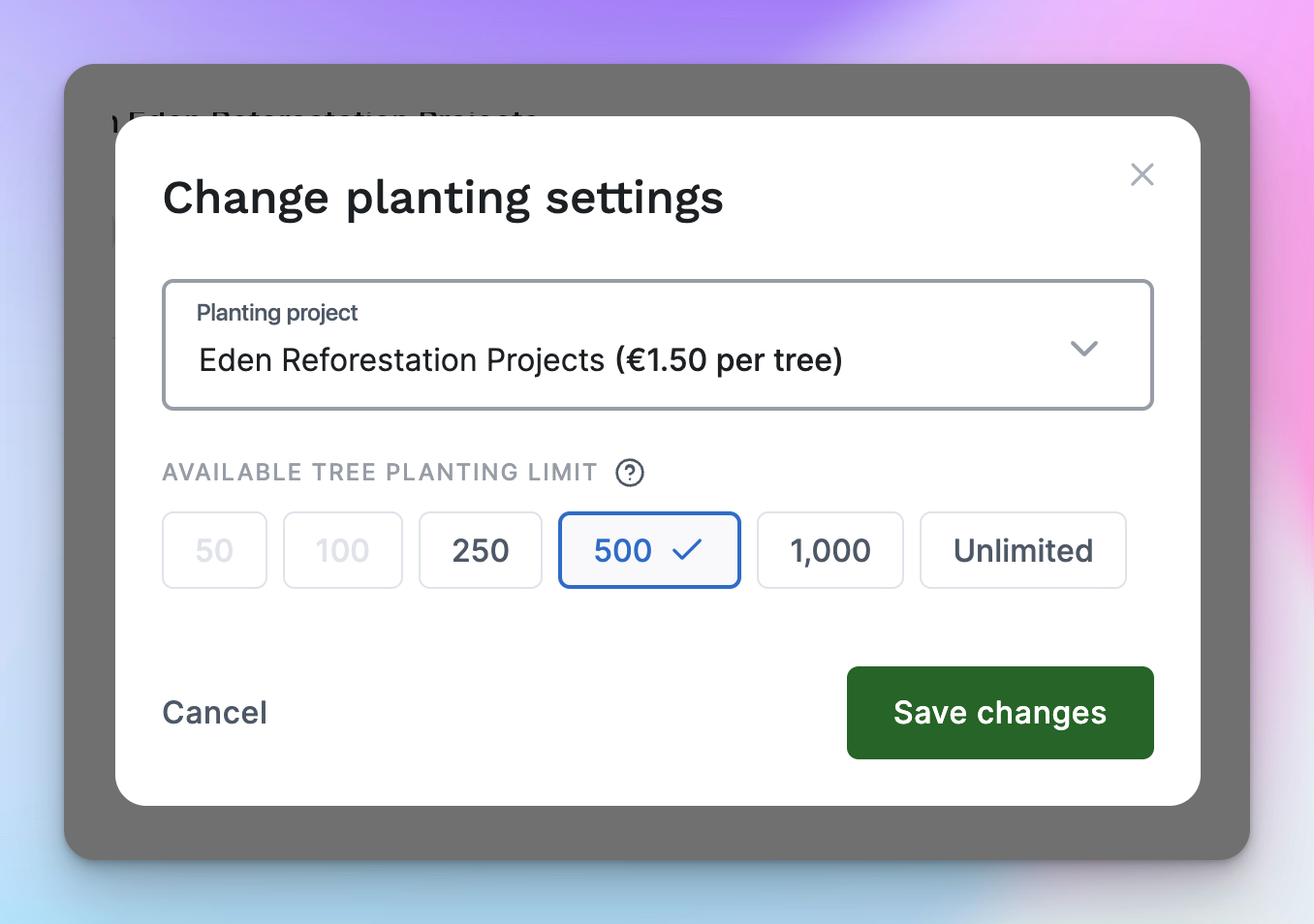
Under Available tree planting limit, choose 50, 100, 250, 500, 1,000 or Unlimited. For any other number, click Custom and type it in.
-
Click Save changes.
The new limit applies right away. It has to meet these rules:
- It’s at least 50 trees.
- It’s at least 20% above the trees the forest has already planted for reviews. If it has planted 100, the new limit has to be at least 120. Options below that are greyed out.
- You can lower the limit within the same rules. One exception: if you’ve planted trees for earlier reviews in this forest, you can only raise it.
What happens when the limit is reached
Section titled “What happens when the limit is reached”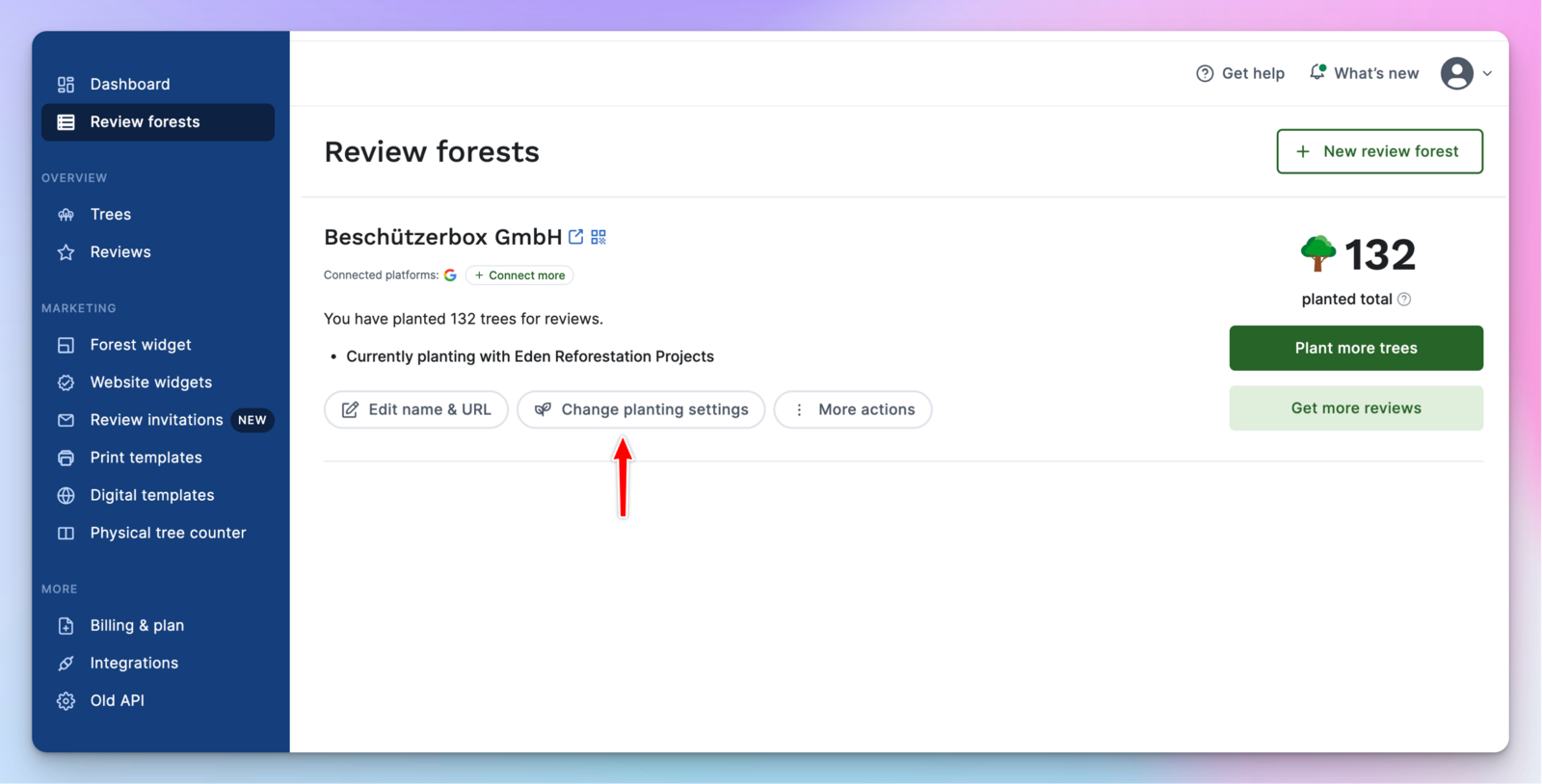
We stop planting trees for new reviews in this forest, and you aren’t charged for any. The forest itself stays active: reviews keep coming in, and everything else works as before.
- Under Review forests, the forest shows limit reached and a Raise limit button.
- On your forest page, a note says the planting limit has been reached. Anyone who clicks Write a review there is told that no tree will be planted for it at the moment.
- New reviews through ReviewForest Direct can’t be submitted until you raise the limit.
- We email you when 80% of the limit is used, and again when it’s reached.
If you raise the limit later, we also plant trees for the reviews that came in meanwhile, up to your new limit. Those trees are billed like any other.
Change your planting project
Section titled “Change your planting project”On the Standard, Premium and Professional plans, you can switch the planting project of each review forest at any time.
-
Open Review forests.
-
Next to the forest, click Manage, then Change planting project & limit.
-
Choose a project under Planting project. Each project shows its price per tree, which depends on your plan.
-
Click Save changes.
Every tree planted from then on goes to the new project and is billed at its price. Trees you’ve already planted stay with their project. If you plant additional trees regularly, they move to the new project too.
You can only change the project while the forest is active. If Billing & plan shows Discontinued plan, you’re on a plan we no longer offer; to change the project, switch to one of the current plans first.